
Finding and comparing
Use the word builder, check the seller and compare the item details.
Orientdig Spreadsheet search
Start with a category or a useful search phrase. Check the item you find, then follow the guide from seller link to warehouse review and delivery.
Every tile opens the live category it names. The line under it is the one word or number that cuts a thousand near-identical listings down to the handful worth opening, which is the whole job this guide is about.
 SneakersCategory page
Search the silhouette plus the colourway. Model names drift between sellers.
 Jackets and coatsCategory page
Say the closure out loud: zip, press stud or toggle. It splits the results fast.
 HoodiesCategory page
Front print or back print changes the listing. Search the one you can see.
 T-shirtsCategory page
Describe the graphic, not the slogan. Slogans get typed differently every time.
 JeansCategory page
Wash plus cut plus one measurement. Two of the three brings back lookalikes.
 SweatpantsCategory page
Cuffed or open hem is the fastest filter, and photos usually show it clearly.
 WomenswearSearch results
No womenswear shelf exists, so this one runs as a search rather than a category.
 JerseysCategory page
Club, season and home or away. Miss the season and you get a different shirt.
 BagsCategory page
Hardware colour is the detail that separates two otherwise identical listings.
 Caps and hatsCategory page
Curved or flat brim, and whether the logo is embroidered or printed.
 BeltsCategory page
Buckle shape is searchable. Strap width in centimetres is what you confirm after.
 EyewearCategory page
Frame shape plus lens tint. Asking for a daylight photo settles the tint.
 PerfumeCategory page
Settle the air route first. Most carriers cap or refuse liquids outright.
 JewelleryCategory page
Link shape and chain length in centimetres. Plating is never stated anywhere.
 WatchesCategory page
Case diameter in millimetres is the one number that makes results usable.
 ElectronicsCategory page
Batteries and magnets decide the route, so settle that before you compare prices.
A catalogue of product links organised by category. A picture helps you find a candidate; the seller’s original listing gives you the options, measurements and current terms.
Start from a category, compare similar pieces and use the search guide when a link is missing. The checks help you distinguish the same item from a lookalike before placing an order.
OrientDig is a shopping agent. It buys on your instruction, receives goods at its warehouse, provides inspection photos and arranges international shipping.
A single account connects buying, warehouse review and consolidation. Compare its live payment options and shipping quote with other routes, especially if timing or easy returns matter more than combining purchases.
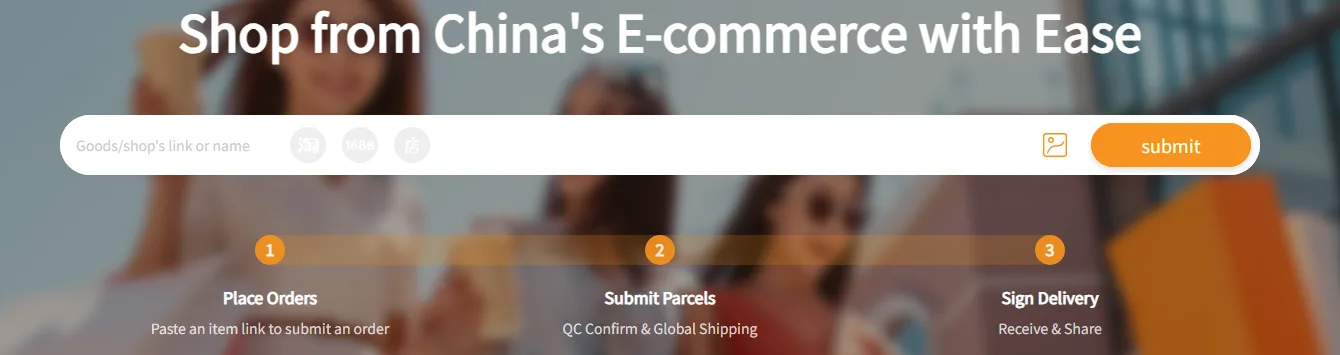
Use the word builder, check the seller and compare the item details.
Follow the handover from seller link to the warehouse and parcel.
Find the correct official support route and understand common terms.